 Skip to main content

Anyone who has used a TDEE calculator has met the activity factor chart: that short table of multipliers, from 1.2 for sedentary up to 1.9 for extra active, that turns a resting calorie number into a full day’s calorie budget. The chart looks simple, but picking the wrong row is the single most common reason calorie targets miss the mark. This guide is a complete reference for the activity factor chart: every multiplier, what each level really looks like in real life, where the numbers came from, worked examples at every level, and the mistakes that throw the whole calculation off.
Note the scope: this article is the chart reference. For the underlying concept of total daily energy expenditure itself, the site’s TDEE calculator page walks through the full calculation.
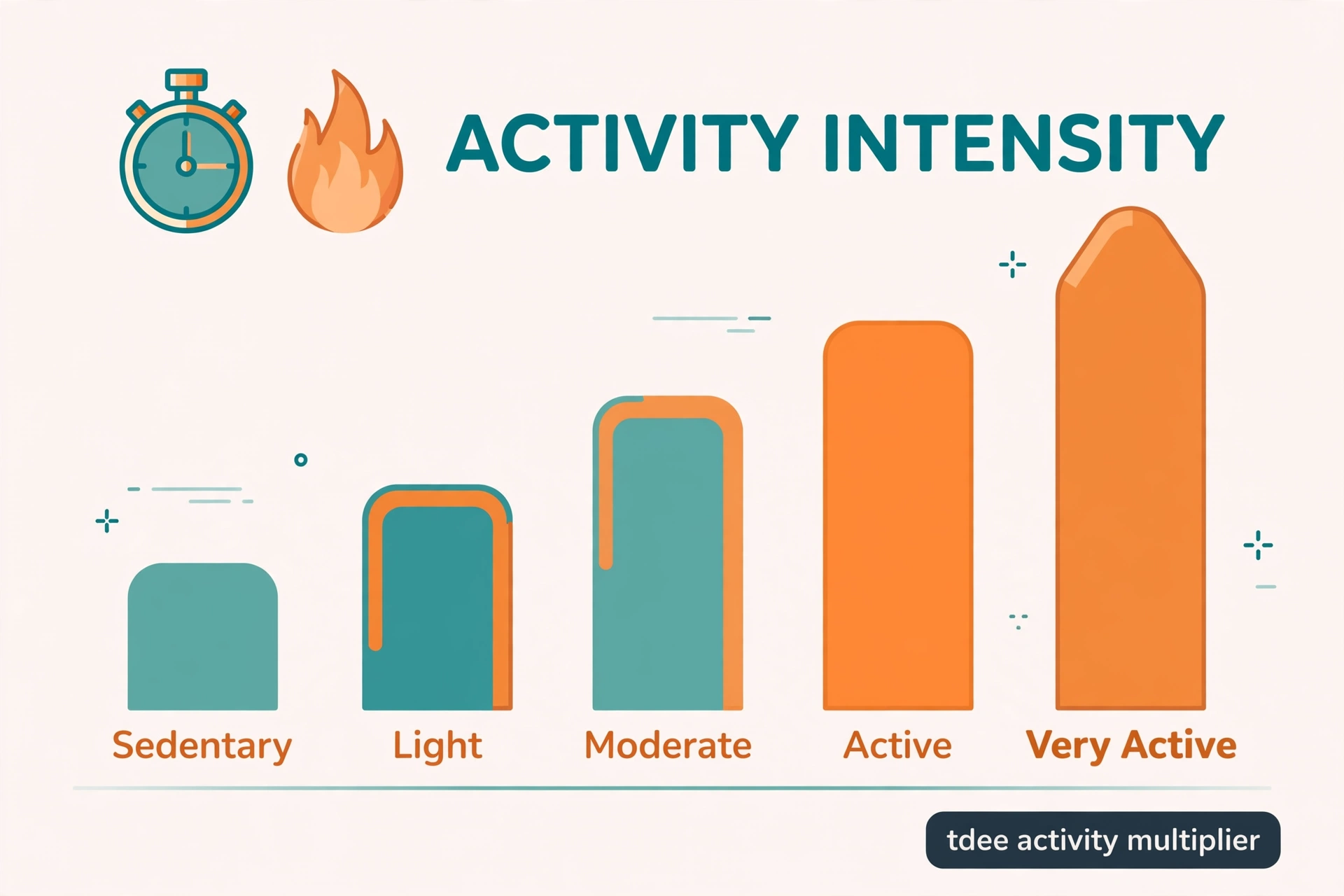
The Standard Activity Factor Chart
The chart used by nearly every TDEE calculator online has five rows. Multiply basal metabolic rate (BMR) by the factor in the matching row, and the result is total daily energy expenditure (TDEE):
| Activity level | Multiplier | Short description |
|---|---|---|
| Sedentary | 1.2 | Little or no exercise, desk-based day |
| Lightly active | 1.375 | Light exercise 1 to 3 days per week |
| Moderately active | 1.55 | Moderate exercise 3 to 5 days per week |
| Very active | 1.725 | Hard exercise 6 to 7 days per week |
| Extra active | 1.9 | Physical job plus daily training, or twice-daily training |
The formula behind the chart is one line: TDEE = BMR x activity factor. A person with a BMR of 1,600 who is moderately active lands at 1,600 x 1.55 = 2,480 calories per day. Change nothing except the activity row, and the same person at sedentary is 1,920 while at extra active is 3,040, a spread of more than 1,100 calories from one dropdown choice. That spread is exactly why this chart deserves careful attention.
What Each Activity Level Actually Looks Like
The short labels on the chart are vague by design, so here is what each row tends to mean across a real week.
Sedentary (1.2) describes a desk job, a short or driven commute, and no structured exercise. Daily steps usually sit under 5,000. Most office workers who do not work out belong here, even if they feel busy.
Lightly active (1.375) fits light exercise one to three days a week, such as easy walks, casual cycling, or beginner gym sessions, or a job that keeps someone on their feet for part of the day. Typical daily steps run roughly 5,000 to 7,500.
Moderately active (1.55) means moderate exercise three to five days a week, like brisk 45-minute workouts, jogging, or sports, or steady walking built into the job. Daily steps usually land between 7,500 and 10,000.
Very active (1.725) means hard exercise six or seven days a week, or a physically demanding job combined with regular training. Daily steps are typically above 12,000.
Extra active (1.9) is genuinely rare: manual labour all day, or twice-daily training on top of an active job. Competitive athletes in heavy training blocks and construction workers who also train live here. Fewer people qualify for this row than pick it.
A useful rule: the multiplier covers the whole week including rest days, not the best training day. Someone who trains hard three days and sits for four is not very active; they are moderately active at most.
Where the Activity Factor Chart Comes From
These multipliers are a long-standing convention inherited from the Harris-Benedict equations, first published in 1919 and revised over the following decades. Researchers needed a simple way to scale resting energy expenditure up to daily expenditure, and the five activity factors became the standard shortcut.
The widely used Mifflin-St Jeor equation, often considered the most practical BMR formula for the general population, pairs with exactly the same chart. That is why the same five numbers appear on almost every calculator: the BMR formula changed over the years, but the activity factor chart stayed put.
Worth knowing: the chart is a useful convention, not an official standard. Modern energy-requirement research, such as the work behind the National Academies’ dietary reference values, builds estimates from doubly labelled water studies rather than these fixed multipliers. The chart remains the practical tool for everyday use, but it is an estimate with honest error bars, not a laboratory measurement.
How to Choose Your Multiplier in 4 Steps
Guessing is where most people go wrong. This short self-assessment takes the guesswork out:
Step 1: Count weekly structured exercise sessions. Count only genuine moderate-to-vigorous sessions that raise the heart rate meaningfully, not casual strolling. Write the number down.
Step 2: Characterise the job. Desk or seated work means low occupational activity. Standing or moving work, such as teaching, retail, or hospitality, means moderate. Construction, warehouse, or landscaping work means high.
Step 3: Check average daily steps. Look at a phone health app and average the last two weeks. Steps are the most objective single proxy for total daily movement.
Step 4: Combine the three using the chart, then round down if uncertain. Three workouts a week with a desk job and under 7,500 steps is lightly active; the same three workouts with 7,500 to 10,000 steps is moderately active. When torn between two rows, the lower one is the safer starting point, and real weight data over two to three weeks will confirm or correct the choice.
Worked Examples at Every Level
To make the chart concrete, here is what each multiplier does to two sample BMR values, 1,500 and 1,800 calories:
| Activity level | Multiplier | TDEE at BMR 1,500 | TDEE at BMR 1,800 |
|---|---|---|---|
| Sedentary | 1.2 | 1,800 | 2,160 |
| Lightly active | 1.375 | 2,063 | 2,475 |
| Moderately active | 1.55 | 2,325 | 2,790 |
| Very active | 1.725 | 2,588 | 3,105 |
| Extra active | 1.9 | 2,850 | 3,420 |
Two full walkthroughs show the process end to end. First, a 32-year-old woman, 65 kg, 165 cm. Her Mifflin-St Jeor BMR is (10 x 65) + (6.25 x 165) – (5 x 32) – 161 = 650 + 1,031.25 – 160 – 161 = 1,360 calories. She does light exercise twice a week and works a desk job, so she takes the lightly active row: 1,360 x 1.375 = 1,870 calories TDEE.
Second, a 40-year-old man, 80 kg, 178 cm. His BMR is (10 x 80) + (6.25 x 178) – (5 x 40) + 5 = 800 + 1,112.5 – 200 + 5 = 1,718 calories. He trains moderately four days a week: 1,718 x 1.55 = 2,663 calories TDEE.
Chart Variants You Will See Online
Most charts agree on the five core rows, but a few variants circulate. Some calculators add a sixth row for professional or elite athletes at 2.2 to 2.4, covering twice-daily intense training. Others label 1.9 as “extremely active” instead of “extra active”; the number is the same.
A handful of sites use slightly rounded or shifted values, such as 1.4 or 1.6 for the middle rows, usually derived from wearable data rather than the Harris-Benedict convention. These are not wrong, but they are not the standard chart either, and mixing a non-standard multiplier with a standard BMR equation quietly changes the answer. When comparing two calculators, check whether both use the classic five factors before concluding that one of them is broken.
The Research-Grade Alternative: PAL Categories
For readers who want the science behind the shortcut, physical activity level (PAL) research from the FAO, WHO, and United Nations University groups daily energy expenditure into broader bands based on doubly labelled water measurements:
- PAL 1.40 to 1.69: sedentary or light activity lifestyles
- PAL 1.70 to 1.99: active or moderately active lifestyles
- PAL 2.00 to 2.40: vigorous or vigorously active lifestyles
Notice how these bands line up with the classic chart: 1.2 to 1.375 sits inside the sedentary band, 1.55 to 1.725 inside the active band, and 1.9 plus the athlete extensions reach into the vigorous band. The chart is essentially a user-friendly slicing of this research. Knowing the PAL bands helps when reading nutrition textbooks or research papers, where the five neat multipliers rarely appear.
3 Costly Mistakes People Make With This Chart
Mistake 1: Overestimating activity. This is the big one. Fitness trackers and honest weekly logs consistently show that people who believe they are “very active” often match the “moderately active” multiplier once real workout frequency and intensity are tallied. If weight does not move as the calculator predicted over two to three weeks, dropping one activity level is the first fix to try, before blaming the formula.
Mistake 2: Double-counting exercise calories. If the chosen multiplier already includes training days, workout calories must not be added on top. A moderately active row already accounts for those three to five sessions; adding a “500 calories burned” entry from a fitness app counts the same energy twice and can inflate intake by several hundred calories a day.
Mistake 3: Using the best day instead of the average week. The multiplier describes total weekly movement averaged across seven days. A heroic Saturday workout does not make a desk-bound week very active. Rest days count, and they drag the honest average down.
Healthline’s step-by-step macro guide lists the same five activity factors and is a solid second reference for how the multipliers feed into daily calorie targets.
After You Pick a Multiplier: What Comes Next
The chart gives a starting estimate, and real data refines it. Apply the multiplier to BMR to get TDEE, set calorie and macro targets from that number, then track food intake accurately and watch body weight for two to four weeks. If weight trends match the plan, the multiplier was right. If weight is flat during a planned cut, the true TDEE is lower than estimated, and dropping one activity level usually closes the gap.
Revisit the chart whenever life changes: a new desk job, an injury layoff, or a marathon training block all move the honest answer up or down a row. The site’s own TDEE calculator applies this exact chart to personal inputs, and the homepage rounds up the full set of free calculators for anyone tracking fitness alongside academics, including the grade GPA calculator for students managing coursework too.
Frequently Asked Questions
What is an activity factor in TDEE calculation?
An activity factor is the multiplier from the activity factor chart, ranging from 1.2 to 1.9, that scales basal metabolic rate up to total daily energy expenditure. It represents all calories burned beyond complete rest: walking, working, exercising, fidgeting, and digesting food.
Which activity factor should a beginner choose?
Most beginners with a desk job and one to three light workouts per week should start at lightly active (1.375). Starting one level lower than instinct suggests is the safer choice, because overestimation is the most common error, and two to three weeks of weight data will confirm whether to adjust.
Is the activity factor chart accurate?
It is a well-established estimate, not a measurement. For most people it lands within a few hundred calories of the true value, which is close enough to set a starting target. Individual variation in body composition, non-exercise movement, and metabolic adaptation means real-world tracking should always refine the number.
What is the difference between activity factor and PAL?
They describe the same idea at different resolutions. The activity factor chart gives five fixed multipliers (1.2 to 1.9) for everyday calculators. PAL, or physical activity level, is the research term for the ratio of total to basal expenditure, grouped into broader bands (1.40-1.69, 1.70-1.99, 2.00-2.40) in FAO/WHO/UNU literature.
Should I add exercise calories on top of my activity factor?
No. The multiplier already includes the training described in its row. Adding workout calories separately double-counts them. The only exception is a genuinely unusual day, such as a marathon, far outside the normal weekly pattern the multiplier describes.
What activity factor do athletes use?
Competitive athletes in heavy training often use 1.9 (extra active), and some charts add a professional or elite row at 2.2 to 2.4 for twice-daily intense training. These top rows apply to a small minority; most recreational trainees belong at 1.55 or 1.725.
Can I use the chart without knowing my BMR?
The chart only makes sense multiplied by a BMR value, since the factor scales resting expenditure. Estimate BMR first with the Mifflin-St Jeor equation or a BMR calculator, then apply the matching row from the chart.


