 Skip to main content

An SGPA to CGPA calculator is one of the most-used academic tools among Indian college students. Every semester produces a new SGPA, and students constantly want to know one thing: what does my overall CGPA look like right now? This guide walks through exactly how to use an SGPA to CGPA calculator — what to type in, which mode to choose, how to read the result, and what to do when the number does not match expectations.
This is a tool guide, not a math lesson. For the underlying conversion formula itself, there are dedicated explainers. Here the focus is on getting the right answer out of the tool, every time.
What an SGPA to CGPA Calculator Does
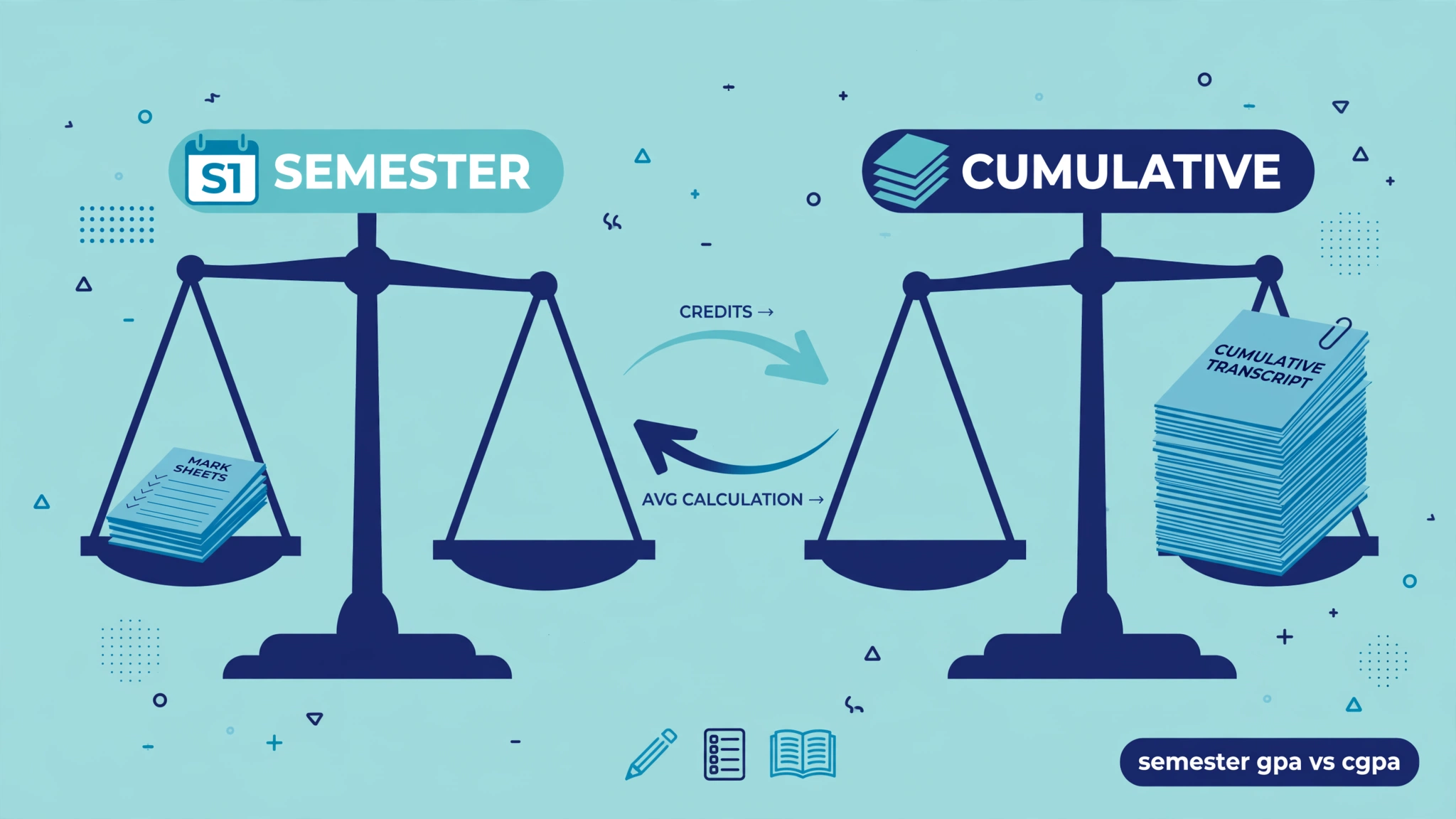
The tool takes a student’s semester-by-semester SGPAs and turns them into a single cumulative figure: the CGPA. That sounds like a simple average, and sometimes it is — but most quality calculators offer two calculation modes, because the mathematically correct answer depends on whether the semesters carried equal or unequal credit loads.
In practical terms, the tool answers questions like:
- What is my current CGPA after four semesters?
- How much would a strong next semester raise my CGPA?
- Is my manually calculated CGPA correct?
- What CGPA should I enter on a placement or application form?
The calculator does the arithmetic instantly and — importantly — removes the two most common manual mistakes: forgetting to weight by credits, and simple addition errors across many semesters.
When to Use the Calculator
Students reach for this tool at predictable moments in the academic year:
- After results are declared, to update the running CGPA with the new semester’s SGPA.
- Before placements or applications, when a form demands the current CGPA.
- During semester planning, running what-if scenarios — “if I score 8.5 next semester, where does my CGPA land?”
- When checking the university’s number, to verify the transcript’s CGPA independently.
It is also useful early in the degree. After just one semester, the CGPA equals the first SGPA — the tool simply confirms that baseline, which becomes the starting point for every future update.
The Two Calculation Modes Explained
Most SGPA to CGPA calculators offer a choice between a simple mode and a weighted mode. Understanding the difference is the single most important part of using the tool correctly.
Simple Average Mode
In simple mode, the tool adds up all the entered SGPAs and divides by the number of semesters. This is correct only when every semester carries exactly the same number of credits. Some arts, commerce, and humanities programs have a fixed credit structure, and for those students this mode is fast and perfectly accurate.
Credit-Weighted Mode
In weighted mode, the tool multiplies each SGPA by that semester’s total credits before averaging. This is the correct method whenever credit loads differ between semesters — which is the normal situation in engineering, medical, law, and other professional programs. A heavy 28-credit semester legitimately counts more than a light 16-credit one, and only the weighted mode captures that.
The rule of thumb is simple: if the credit loads are not identical, always use weighted mode. If they are identical, both modes give the same answer, so the choice does not matter.
Step-by-Step: Using the Calculator
Here is the complete workflow, from opening the tool to trusting the result.
Step 1: Gather Your Semester Data
Before touching the calculator, collect the official SGPA for each completed semester from the university result or mark sheet. For weighted mode, also note each semester’s total credit count. Credits appear on the mark sheet or in the syllabus; the class coordinator can confirm them if they are unclear. Do not guess credits — wrong credits produce a wrong CGPA.
Step 2: Choose the Right Mode
Select weighted mode if any semester’s credit total differs from any other. Select simple mode only if the program genuinely keeps credits constant every semester. When in doubt, choose weighted mode: with equal credits it produces exactly the same answer as simple mode, so it is never the wrong choice.
Step 3: Enter Each Semester’s SGPA
Type each semester’s SGPA in order, semester 1 through the latest. Double-check each entry against the mark sheet — a transposed digit (7.9 entered as 9.7) is the most common input error. If the tool supports saving or adding semesters one at a time, keep the entries organized rather than entering them out of order.
Step 4: Enter Credits for Weighted Mode
In weighted mode, pair each SGPA with its semester’s total credits. The tool multiplies and sums internally. Students should make sure every semester has a credit entry; a blank or zero credit can silently skew the result or trigger an error.
Step 5: Calculate and Read the Result
Press calculate. The tool displays the CGPA, usually to two decimal places. A quick sanity check: the CGPA must always fall between the lowest and highest entered SGPA. If it does not, an input is wrong. This site’s CGPA calculator also accepts semester credits for the weighted method, so students get the university-style answer directly.
A Worked Tool Example
Consider a B.Tech student with four completed semesters:
| Semester | SGPA | Credits |
|---|---|---|
| 1 | 7.8 | 22 |
| 2 | 8.1 | 24 |
| 3 | 7.6 | 20 |
| 4 | 8.4 | 22 |
Entering these into the calculator in weighted mode:
- 7.8 × 22 = 171.6
- 8.1 × 24 = 194.4
- 7.6 × 20 = 152.0
- 8.4 × 22 = 184.8
- Sum of products = 702.8; total credits = 88
- CGPA = 702.8 ÷ 88 = 7.99
The same SGPAs in simple mode give (7.8 + 8.1 + 7.6 + 8.4) ÷ 4 = 31.9 ÷ 4 = 7.975, which rounds to 7.98. The two answers are close here — but the weighted 7.99 is the correct one, and the gap grows whenever credit loads differ more sharply.
What-If Scenarios: Planning Your Next Semester
The calculator is also a planning instrument. A student with a current CGPA of 7.99 after four semesters can ask: what SGPA do I need in semester 5 to reach 8.10?
The trick is to enter the current data plus a trial SGPA for the upcoming semester and see where the CGPA lands. Trying 8.6 for semester 5 (22 credits): new CGPA = (702.8 + 8.6 × 22) ÷ 110 = (702.8 + 189.2) ÷ 110 = 892 ÷ 110 = 8.11. So an 8.6 next semester crosses the 8.10 target. Trying 8.3 instead gives 8.05 — not enough. Two minutes of experimentation replaces guesswork with a concrete goal.
This is especially powerful in the final year, when students can see exactly how much each remaining semester can move the needle.
Verifying the Tool’s Result Against Your University
Sometimes the calculator’s answer differs from the university transcript. Before assuming either is wrong, check these common causes:
- Rounding policies. Universities may round to two decimals, one decimal, or truncate. A calculator showing 7.99 against a transcript showing 8.0 is usually just rounding.
- Excluded courses. Some universities exclude audit courses, add-on courses, or failed-and-repeated subjects from the CGPA in specific ways the tool cannot know.
- Repeat rules. A subject cleared on re-attempt may replace the old grade, be capped, or be averaged, depending on the university.
- Provisional vs final. Early provisional results sometimes change after revaluation or moderation.
The university transcript is always authoritative for official purposes. The calculator is a verification aid and a planning tool — use it as a check, not a replacement.
The University Grants Commission sets the broad framework for credit-based grading in India, but each university publishes its own exact computation rules, including how it handles repeats and rounding. Students doing official verifications should consult their university’s examination manual.
Common Mistakes When Using the Tool
A handful of errors account for nearly every wrong result:
- Using simple mode with unequal credits. The most frequent mistake, and the most silently damaging.
- Entering the wrong credits. Guessing credit totals instead of reading them from the mark sheet.
- Mixing scales. Entering a 4-point-scale GPA alongside 10-point SGPAs.
- Forgetting a semester. Skipping an early low semester inflates the CGPA artificially.
- Typing the SGPA wrong. Transposed digits or decimal slips (8.1 vs 81) are easy to miss.
The sanity check — CGPA must sit between the lowest and highest SGPA — catches most of these instantly.
Converting the Result Further
Once the CGPA is known, students often need it in other forms. The most common is percentage conversion: Percentage = CGPA × 9.5 is the widely used convention in India, though some universities use ×10 or their own multiplier. Always confirm the institution’s official formula before entering it on forms. Once you have your CGPA, use the CGPA calculator to convert it into a percentage instantly.
For students who need the reverse direction — starting from percentage and working toward grade points — this site also offers a GPA calculator that computes semester results from individual subjects. And because attendance shortages can derail a semester regardless of grades, it is worth knowing how many classes can be missed while staying within the rules.
Tracking Your CGPA Across the Whole Degree
A one-time calculation is useful, but the real power of the tool shows up with regular use. Students who update their CGPA after every result declaration build an accurate running record of their degree — no surprises in the final year, and no scrambling when a placement form asks for the current figure.
A practical routine takes about two minutes: when a new semester result arrives, open the calculator, re-enter all completed semesters including the new one, and note the updated CGPA alongside the previous value. Comparing the two shows the trend — rising, flat, or falling — which is far more informative than the number alone. Many students keep a simple note or spreadsheet with three columns: semester, SGPA, and running CGPA. Over six or eight semesters, that log becomes a personal academic history that makes goal-setting concrete.
It also removes a subtle psychological trap. Students often remember their best semester’s SGPA as “their” number and are shocked when the CGPA comes out lower. Regular tracking keeps the cumulative reality visible, which is exactly the reality recruiters and universities use.
Frequently Asked Questions
Is an SGPA to CGPA calculator accurate?
Yes, when the inputs are correct and the right mode is chosen. The tool performs exact arithmetic; errors come from wrong SGPA entries, wrong credits, or the wrong mode — not from the calculation itself.
Can I use the calculator with only some semesters completed?
Absolutely. Enter the semesters finished so far and the result is the current CGPA. It updates as more semesters are added.
Why does my calculator result differ from my university’s CGPA?
Usually rounding rules, excluded courses, or repeat-subject policies. The university’s published rules explain its exact method; the calculator follows the standard weighted formula.
Should I use simple or weighted mode?
Weighted, unless every semester has exactly the same credits. Weighted mode gives the correct answer in all cases, including the equal-credits case.
Can one bad semester be recovered?
Yes. Because CGPA is credit-weighted across the whole degree, strong later semesters — especially heavy-credit ones — pull it back up. The what-if method above shows exactly how much is needed.
Does the calculator handle backlogs?
It handles whatever numbers are entered. Enter the SGPA as officially reported (which usually reflects the cleared result), and for planning, model the repeat attempt’s expected grade.
Is my data saved or shared by the calculator?
On this site, calculations happen in the browser and inputs are not sent to any server or shared with anyone.


