 Skip to main content

Every HR team has felt it: the vague sense that “people are out a lot lately,” with no number attached. An absenteeism rate calculator turns that feeling into a single, trackable percentage. It takes three simple inputs — how many people work here, how many days they were supposed to work, and how many of those days went unplanned-absent — and returns the absence rate for the period. This guide explains how to use the calculator correctly, what its inputs really mean, how to read the result against real benchmarks, and what to do once the number is on the screen.
What an Absenteeism Rate Calculator Measures
The calculator measures one thing: the share of scheduled work time lost to unplanned absence, expressed as a percentage. It does not measure morale, engagement, or productivity directly — but because absence is one of the earliest visible symptoms of all three, the rate functions as a practical early-warning metric.
The tool works at any scale. An individual employee’s monthly rate shows a personal pattern. A team’s rate shows where a manager or workload problem may be hiding. A company-wide rate shows the overall trend for leadership reporting. The math is identical in each case; only the inputs change. What the calculator cannot do is explain why the number moved — that part still needs a human looking at rosters, seasons, and team changes.
The Three Inputs the Calculator Needs
Every absenteeism rate calculator, whether a web tool or a spreadsheet, asks for the same three numbers.
1. Number of employees (or scheduled shifts). The headcount covered by the measurement. For shift-based workplaces, some calculators ask for scheduled shifts instead — 20 employees × 20 shifts each = 400 scheduled shifts. Use whichever unit the workplace actually schedules in.
2. Total working days (or hours) in the period. The number of days each person was expected to work, multiplied across the group. A 50-person team in a 22-working-day month has 1,100 available workdays (50 × 22). Public holidays and company shutdown days are excluded, since nobody was scheduled.
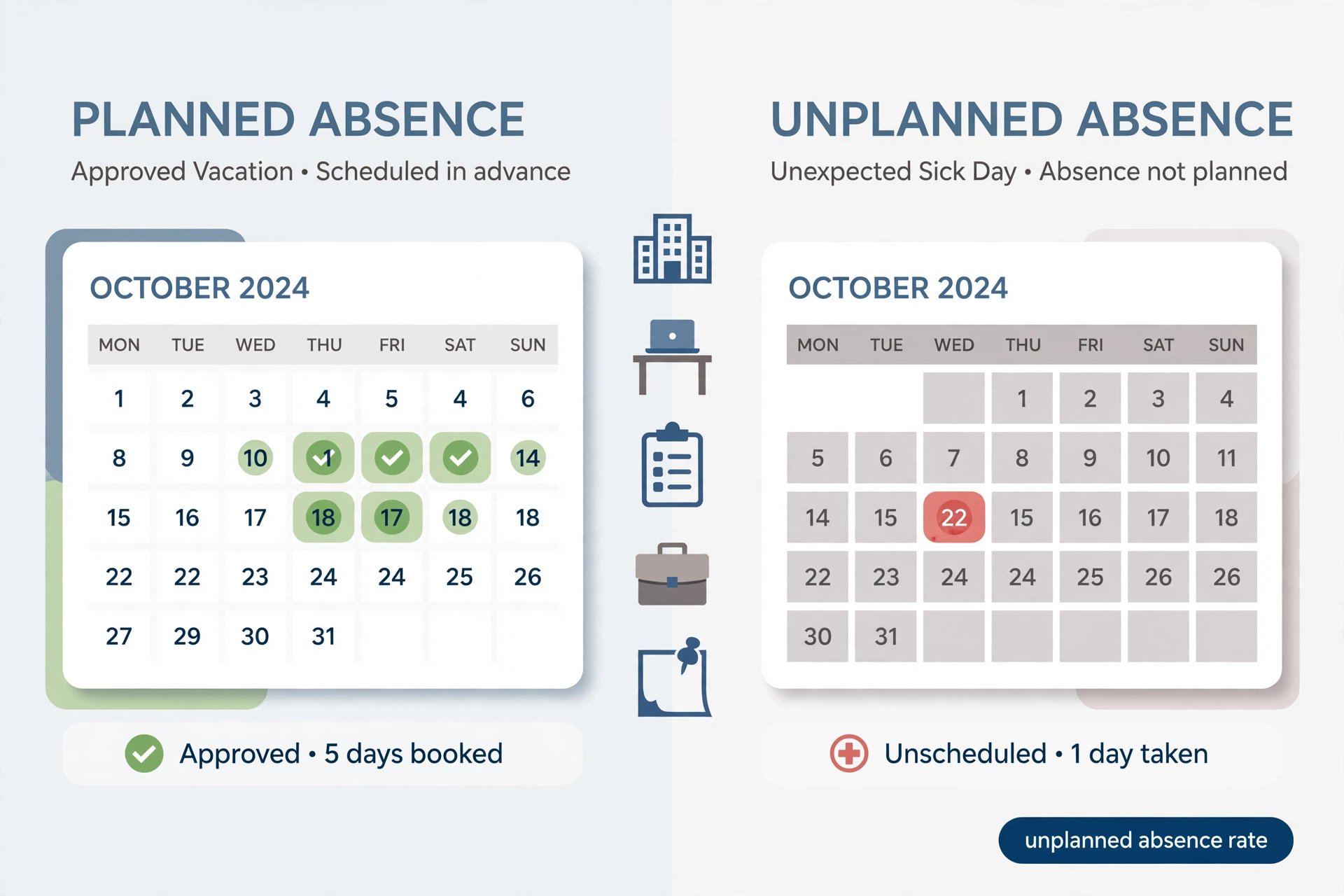
3. Unplanned absent days (or hours). The days people missed without prior approval — sick days, no-shows, and unexcused absences. Approved annual leave, parental leave, and long-service leave do not belong here; including them measures the leave policy, not the absence problem.
How to Use the Calculator: A Worked Example
Take a company with 50 employees and 22 working days in January, during which staff took 38 unplanned sick days:
- Enter headcount: 50.
- Enter working days in the period: 22. The calculator computes 50 × 22 = 1,100 available workdays.
- Enter unplanned absent days: 38.
- The calculator divides 38 by 1,100 and multiplies by 100: 3.45%.
The result — a 3.45% absenteeism rate — now means something concrete: roughly one in every 29 scheduled workdays went unplanned-absent. For a single employee, the same tool works smaller: 4 absent days out of 20 scheduled days gives 4 ÷ 20 × 100 = 20%, a figure that would immediately flag a conversation. Managers who want to act on high individual rates can follow structured approaches like the 12 practical tactics in this site’s guide to improving employee attendance.
Individual, Team, and Company-Wide Rates
The most useful insight from the calculator often comes from comparing levels rather than staring at one number. A company-wide rate of 3% can hide a single department running at 7%. HR best practice is to run the calculator three ways each month: per employee (to spot personal patterns early), per team (to spot management or workload issues), and company-wide (for the trend line leadership watches).
Patterns matter more than snapshots. Absences clustering on Mondays and Fridays point at the roster or morale, not at illness. A spike in one team after a roster change points at the change. Rising absence alongside rising overtime usually means fatigue. The calculator gives the numbers; the pattern across teams and months gives the diagnosis. Remote and hybrid teams can pull the raw absence data from their meeting platforms — for example, by learning how to pull attendance reports from Zoom — and feed it straight into the calculator.
Reading Your Result: Real Benchmarks
There is no universal legal standard for absenteeism, but several reference points are widely used. Industry guides generally treat under 1.5% as excellent, 1.5–3% as normal for most industries, 3–5% as needing attention, and above 5% as a significant problem likely affecting operations. Physically demanding industries — manufacturing, healthcare, construction — tend to run higher than office-based ones, and winter months typically run higher everywhere because of seasonal illness.
For a national reference point, the U.S. Bureau of Labor Statistics reported an absence rate of 3.2% for full-time workers in 2025, while its narrower “lost worktime” measure (hours absent as a share of hours usually worked) stood at 1.7%. The two figures measure different things — the share of workers with any absence versus the share of time actually missed — which is why a company’s own days-based rate should be compared against the lost-worktime style figure, not the 3.2%. Attendance research organizations like Attendance Works publish extensive material on how chronic absence patterns develop and why early measurement matters, and their resources are worth a visit for anyone building an attendance program.
What Counts as an Absence — and What Does Not
Garbage in, garbage out: the calculator is only honest if the absence count is honest. The standard rule is that absenteeism means unplanned absence. Count sick days, emergency leave taken without notice, and no-shows. Do not count approved vacation, public holidays, parental or maternity leave, jury duty, or company-declared closures. Some organizations also separate excused from unexcused absence and run the calculator on unexcused only, which gives a stricter “problem absence” rate — a reasonable choice as long as it is applied consistently month to month.
Days vs Hours: Picking the Right Version of the Calculator
Most calculators offer two modes, and choosing the wrong one quietly distorts the result. The days-based version suits salaried teams with standard full days: absent days divided by scheduled days. The hours-based version suits shift work, part-time staff, and anyone with variable schedules: absence hours divided by scheduled hours, times 100.
A worked hours example: a department with 25 employees scheduled 4,400 hours in a month records 176 absence hours. The rate is 176 ÷ 4,400 × 100 = 4.0%. The hours version is fairer when the team mixes full-timers and part-timers, because a part-timer’s missed 4-hour shift counts as 4 hours, not as a full “day.” As a rule, use days for uniform schedules and hours for everything else — and never mix the two within one trend line.
Common Input Mistakes That Corrupt the Result
Counting approved leave as absence. This is the single most common error, and it inflates the rate into meaninglessness. A generous vacation policy is not an absenteeism problem; the calculator must only see unplanned time.
Using calendar days instead of working days. A 30-day month with weekends is not 30 working days. Always use scheduled days.
Forgetting new joiners and leavers. If someone joined mid-month, they contribute only their actual scheduled days to the denominator. Counting a full month for a half-month employee understates the rate.
Changing the definition mid-year. Switching from “all unplanned” to “unexcused only” in June breaks the trend line. Pick one definition in January and keep it for twelve months.
Running it once and stopping. A single month’s rate is a snapshot with no context. The calculator earns its keep as a monthly habit, not a one-off curiosity.
What to Do After You Have the Number
A rate inside the normal band calls for no action beyond continued tracking — that is the calculator doing its quiet job. A rate climbing toward or past 5%, or a team-level spike, calls for diagnosis before discipline: check whether the spike followed a roster change, a manager change, a seasonal illness wave, or an overtime surge. Talk to the team before reaching for policy; absence data describes behavior, not motives.
When the pattern points to a genuine engagement or workload issue, structured responses work better than blanket crackdowns: flexible scheduling where the work allows it, return-to-work conversations after every absence (which research consistently shows reduces repeat absence), and wellness support for teams with high sick-leave rates. The number tells you where to look; the conversations tell you what to fix. For the student side of the attendance picture, this site’s explainer on what student attendance percentages mean and why they matter covers how the same measurement logic applies in schools.
Absenteeism Rate vs Attendance Rate: The Mirror Image
New users sometimes confuse the absenteeism rate with its mirror image, the attendance rate. They are complements, not synonyms: attendance rate = 100% − absenteeism rate (when both use the same unplanned-absence definition). A team with a 3.45% absenteeism rate has a 96.55% attendance rate. Organizations usually report the attendance figure upward — it sounds better in a board slide — and manage to the absenteeism figure internally, because problems are easier to spot in the smaller number. A rise from 2% to 4% absenteeism looks alarming; the same move from 98% to 96% attendance barely registers. Pick one as the official KPI and keep the other as its translation, so meetings never argue about which number is “the” number.
Tracking the Rate Over Time
Set a simple cadence: run the calculator on the first working day of each month for the month just ended, record the company-wide rate plus any team above 5%, and keep a twelve-month rolling chart. Twelve months matters because it reveals seasonality — most workplaces see a winter hump — and prevents a bad January from looking like a crisis or a good July from looking like a cure. Review the chart quarterly with team leads, and tie it to the actions taken: did the flexible-scheduling trial move the needle? The calculator cannot prove causation, but a rate that falls after an intervention and stays down is the best evidence an HR team will get. Over a full year, this simple habit turns absence from a recurring surprise into a managed metric with a documented history behind every decision.
FAQs
What is a good absenteeism rate? Under 1.5% is generally considered excellent and 1.5–3% normal for most industries. Above 5% usually signals a problem worth investigating.
Should the calculator include approved vacation days? No. Standard practice counts only unplanned absences — sick days, emergencies, and no-shows. Approved leave measures the leave policy, not absenteeism.
How is absenteeism rate different from the Bradford Factor? The absenteeism rate measures the share of time lost; the Bradford Factor weights the frequency of absence spells to flag disruptive patterns. They answer different questions and are often used together.
Can I use the calculator for a single employee? Yes. Enter 1 as the headcount, the employee’s scheduled days, and their absent days. A monthly individual rate above 10–15% typically warrants a supportive conversation.
How often should the rate be calculated? Monthly is the standard cadence, with a twelve-month rolling view to reveal seasonal patterns and real trends. Annual-only measurement hides too much — a bad winter quarter can be averaged away by a quiet summer, and the team that needed help in February never gets flagged.
Does remote work change how the rate is calculated? The math is identical, but “absence” needs a clear definition for remote roles — usually failure to be available during agreed working hours without notice.
What if different departments have very different rates? That is exactly what the team-level calculation is for. Investigate the high-rate team specifically — the cause is usually local (roster, workload, or management) rather than company-wide.


